From i3WM to Niri: Enhancing My Tiling Window Experience
linux i3 niri
Linux has been my primary operating system since my university days. At first, the GNOME desktop environment met my needs perfectly. Its polished and user-friendly design made it easy to be productive without requiring extensive setup.
As I gained more experience with Linux, I began to seek greater efficiency and customization. I discovered a vast world beyond conventional desktop environments.
In pursuit of a keyboard-centric workflow, I found i3WM, a lightweight tiling window manager known for its flexibility. I could tailor themes, keyboard shortcuts, and nearly every aspect of my setup. To further enhance my experience, I incorporated several tools:
Check out this video where I demonstrate my configuration:
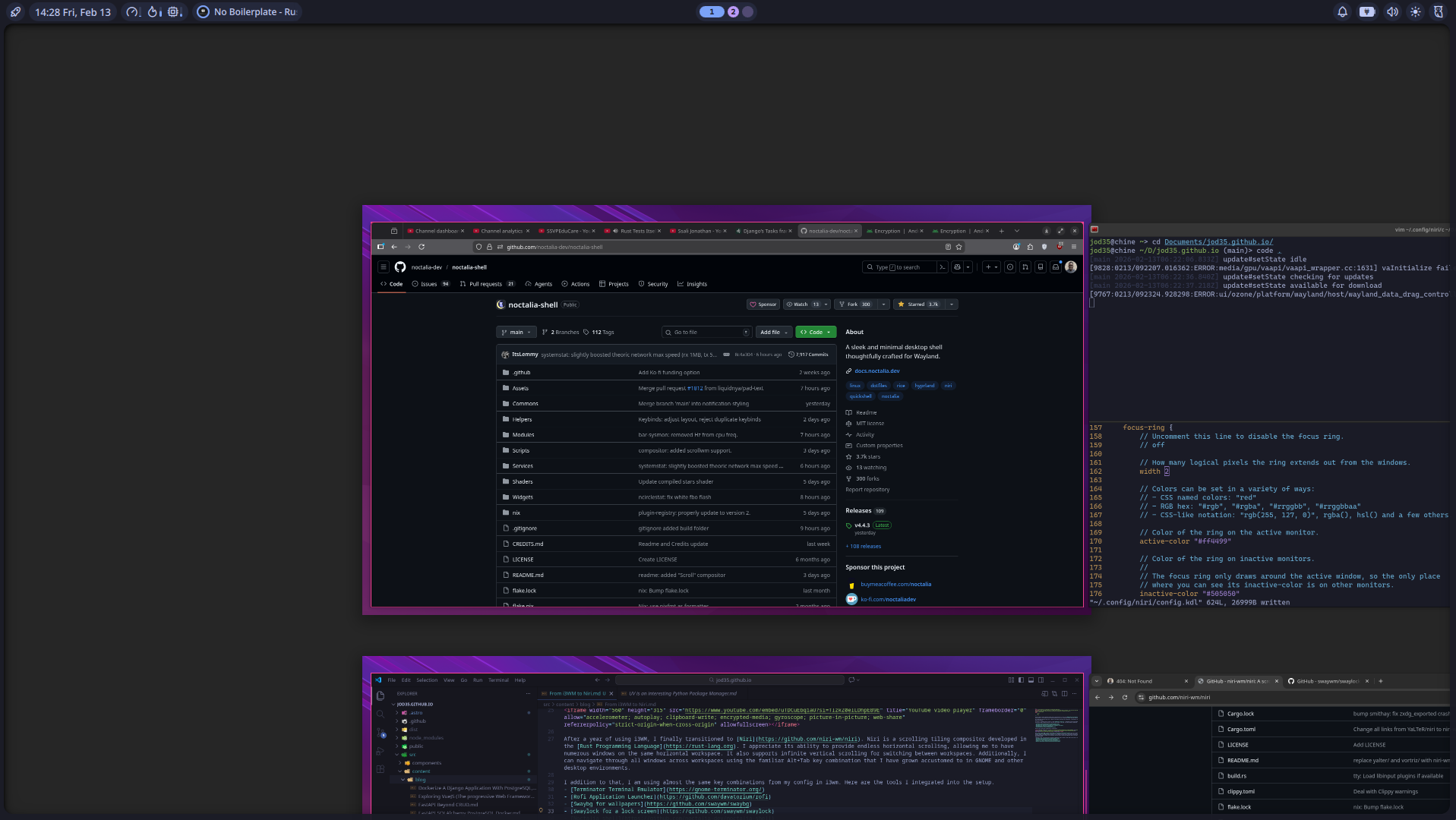
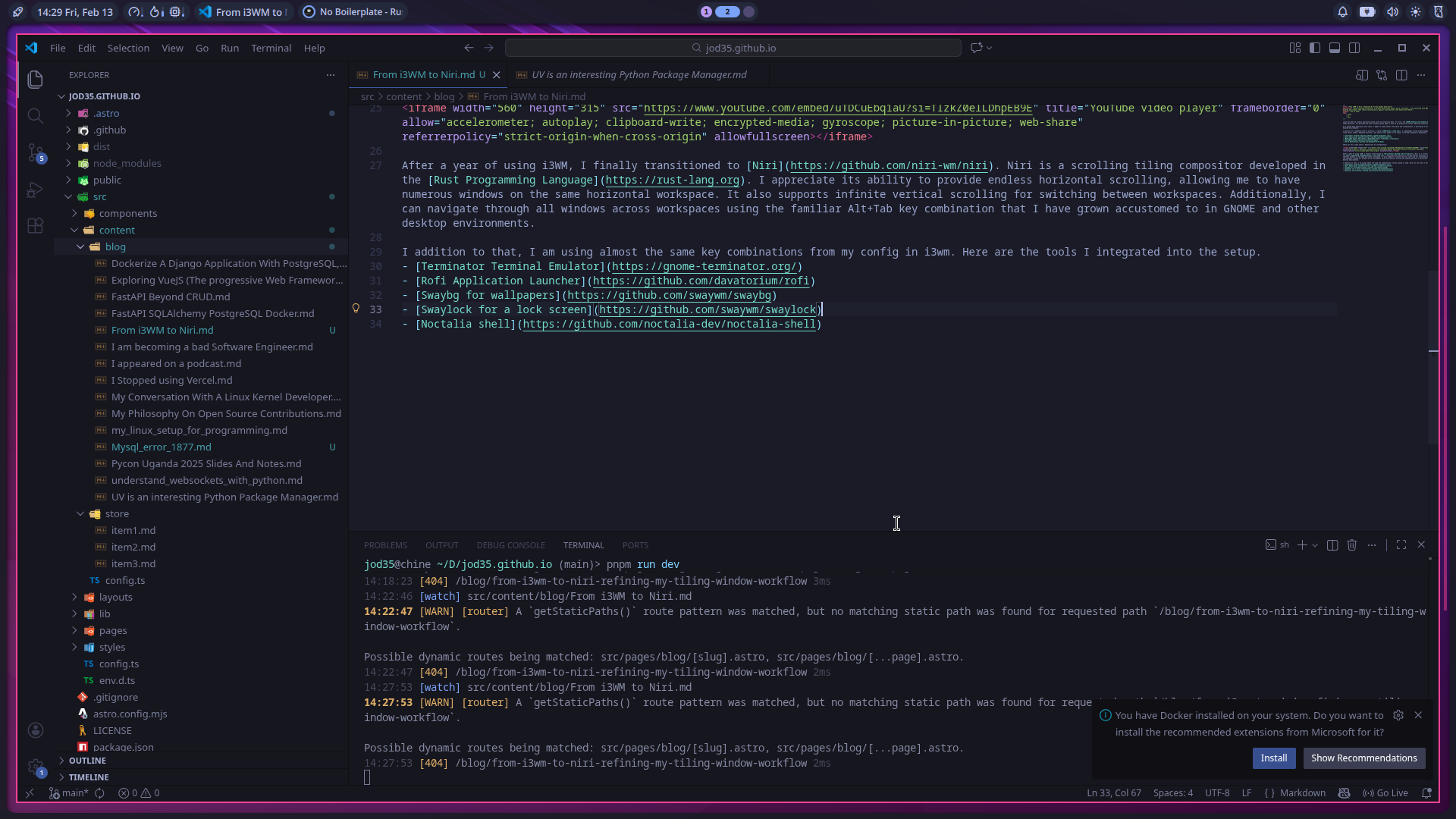
After a year of using i3WM, I finally transitioned to Niri. Niri is a scrolling tiling compositor developed in the Rust Programming Language. I appreciate its ability to provide endless horizontal scrolling, allowing me to have numerous windows on the same horizontal workspace. It also supports infinite vertical scrolling for switching between workspaces. Additionally, I can navigate through all windows across workspaces using the familiar Alt+Tab key combination that I have grown accustomed to in GNOME and other desktop environments.
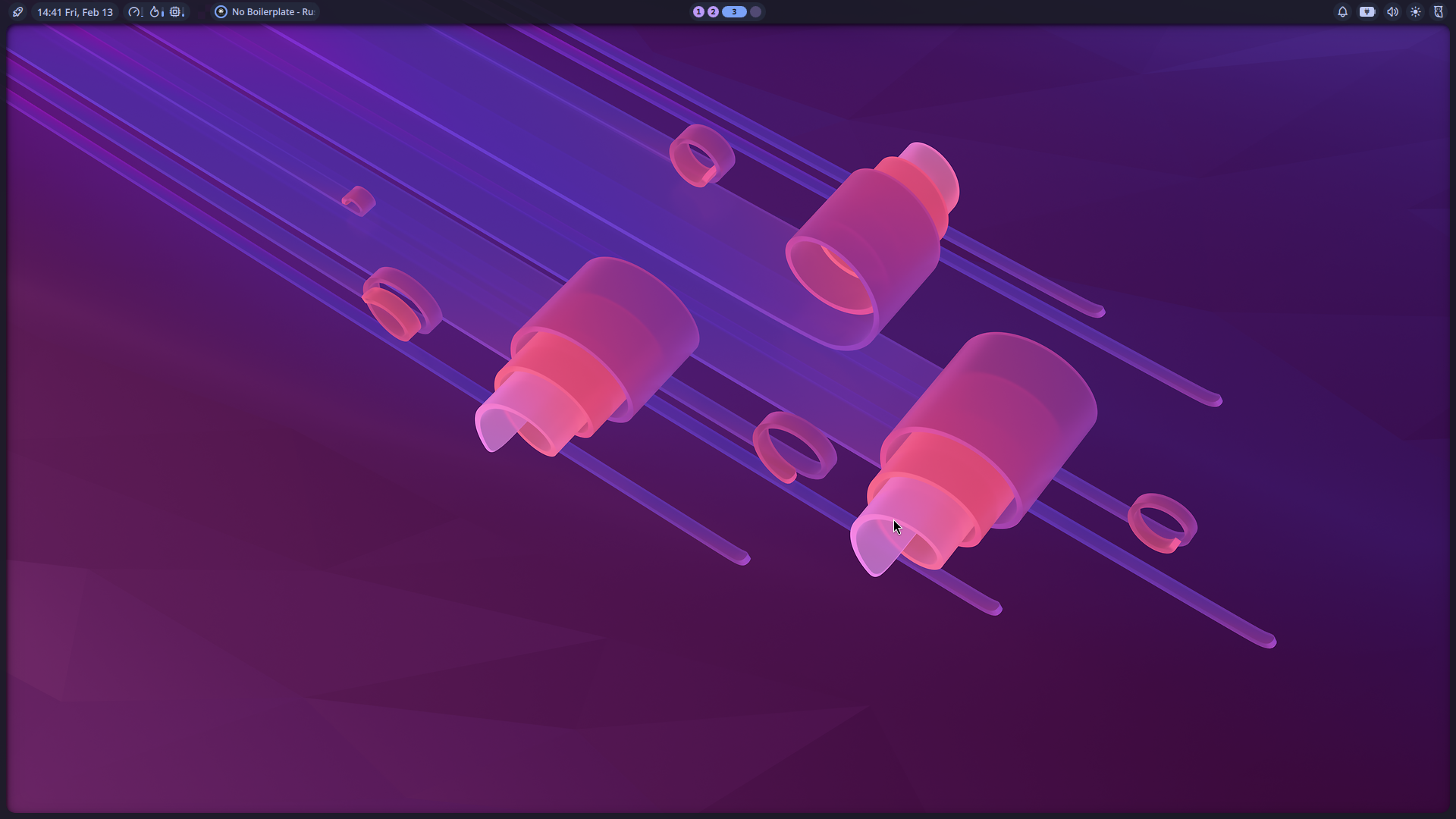
I addition to that, I am using almost the same key combinations from my config in i3wm. Here are the tools I integrated into the setup.
- Terminator Terminal Emulator
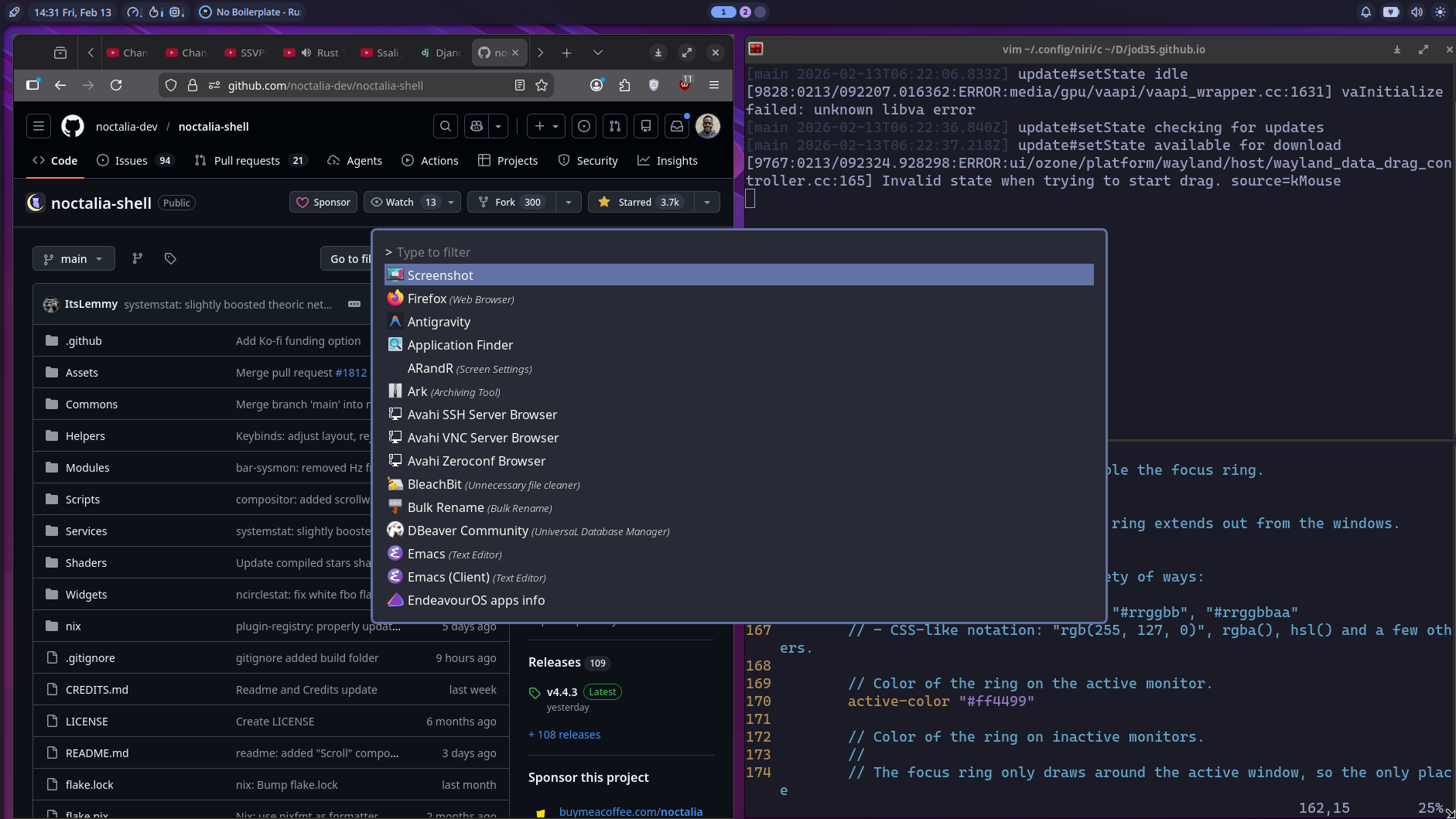
- Rofi Application Launcher
- Swaybg for wallpapers
- Swaylock for a lock screen
- Noctalia shell
Here are a few photos
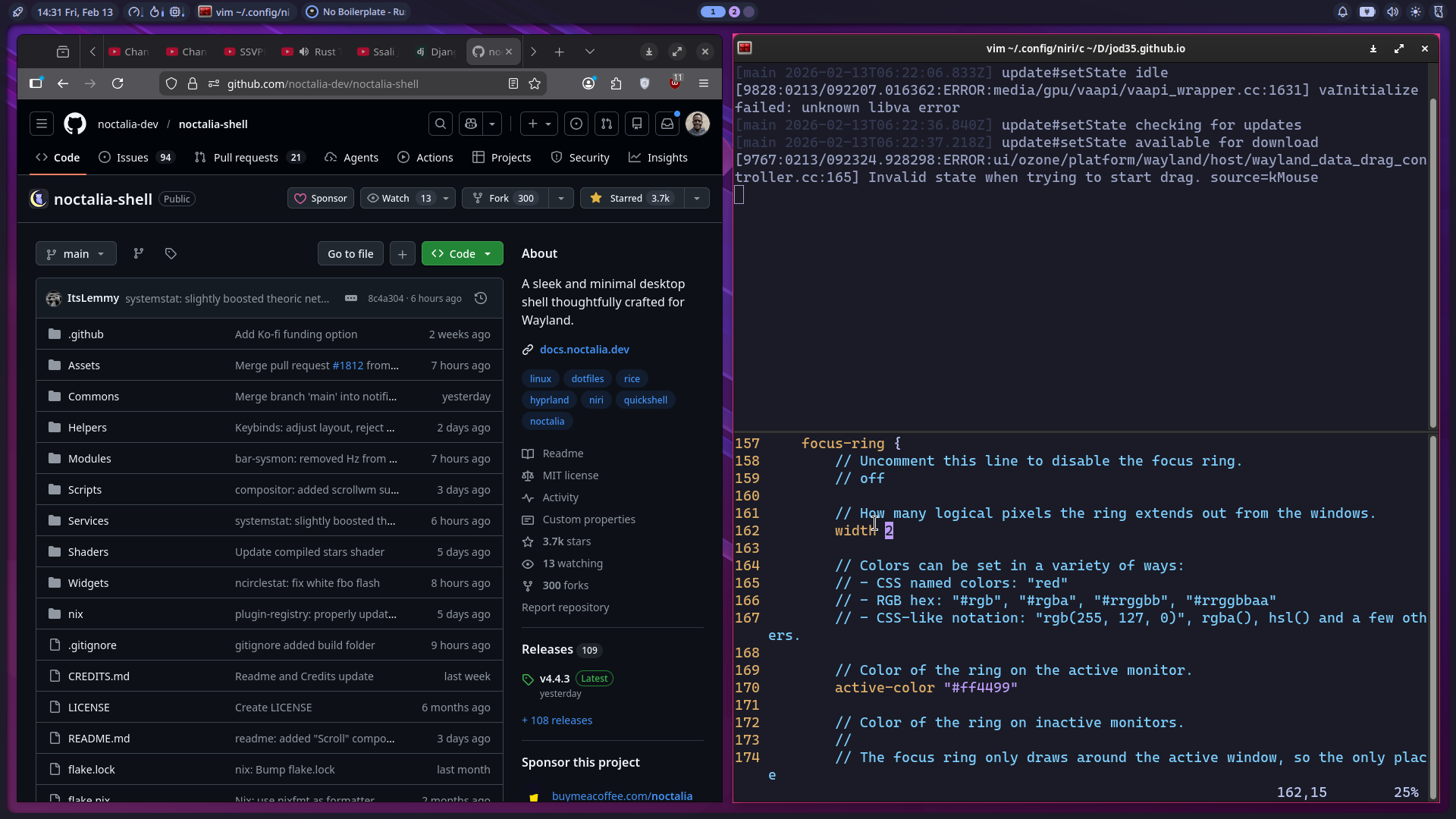
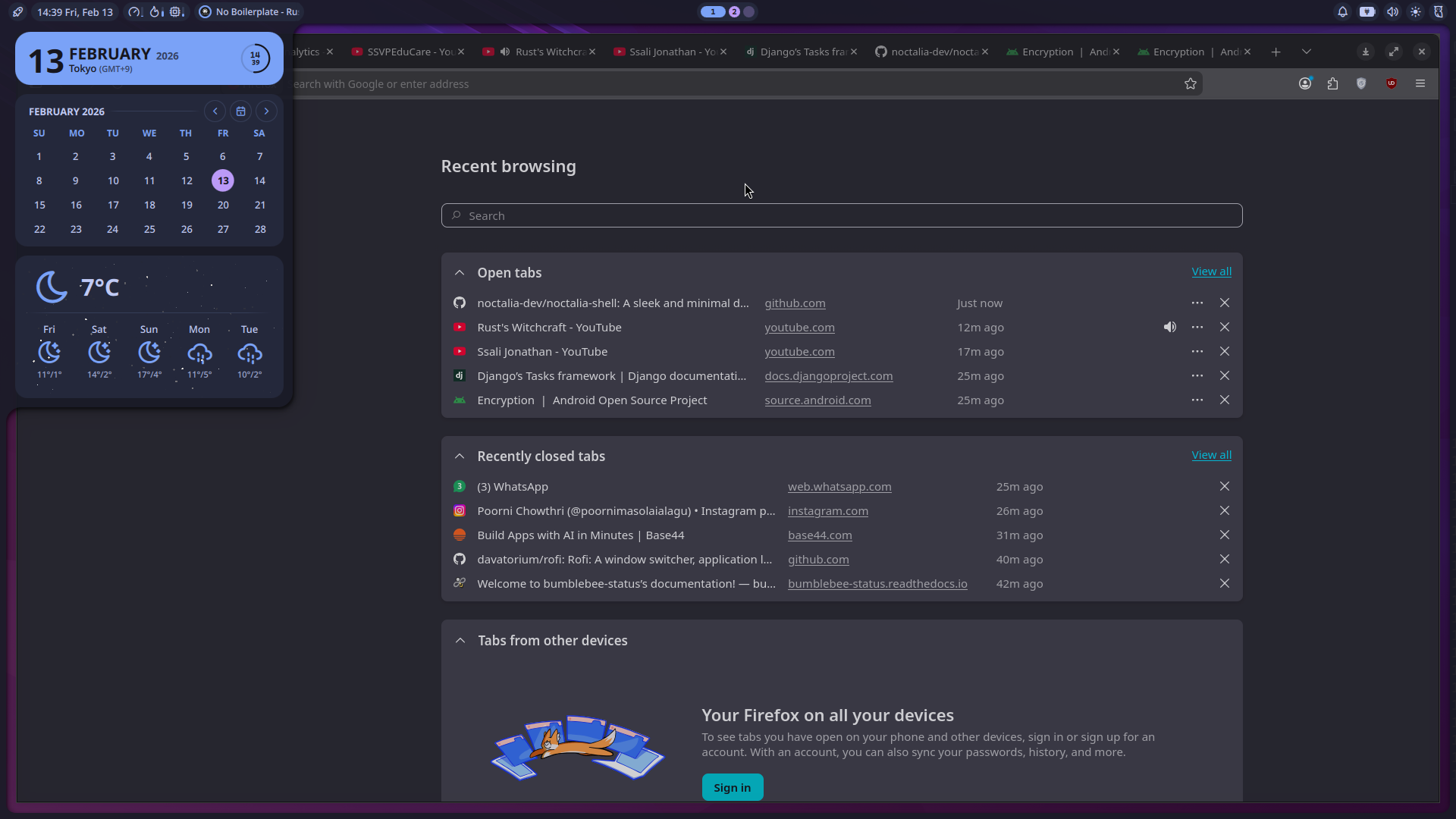
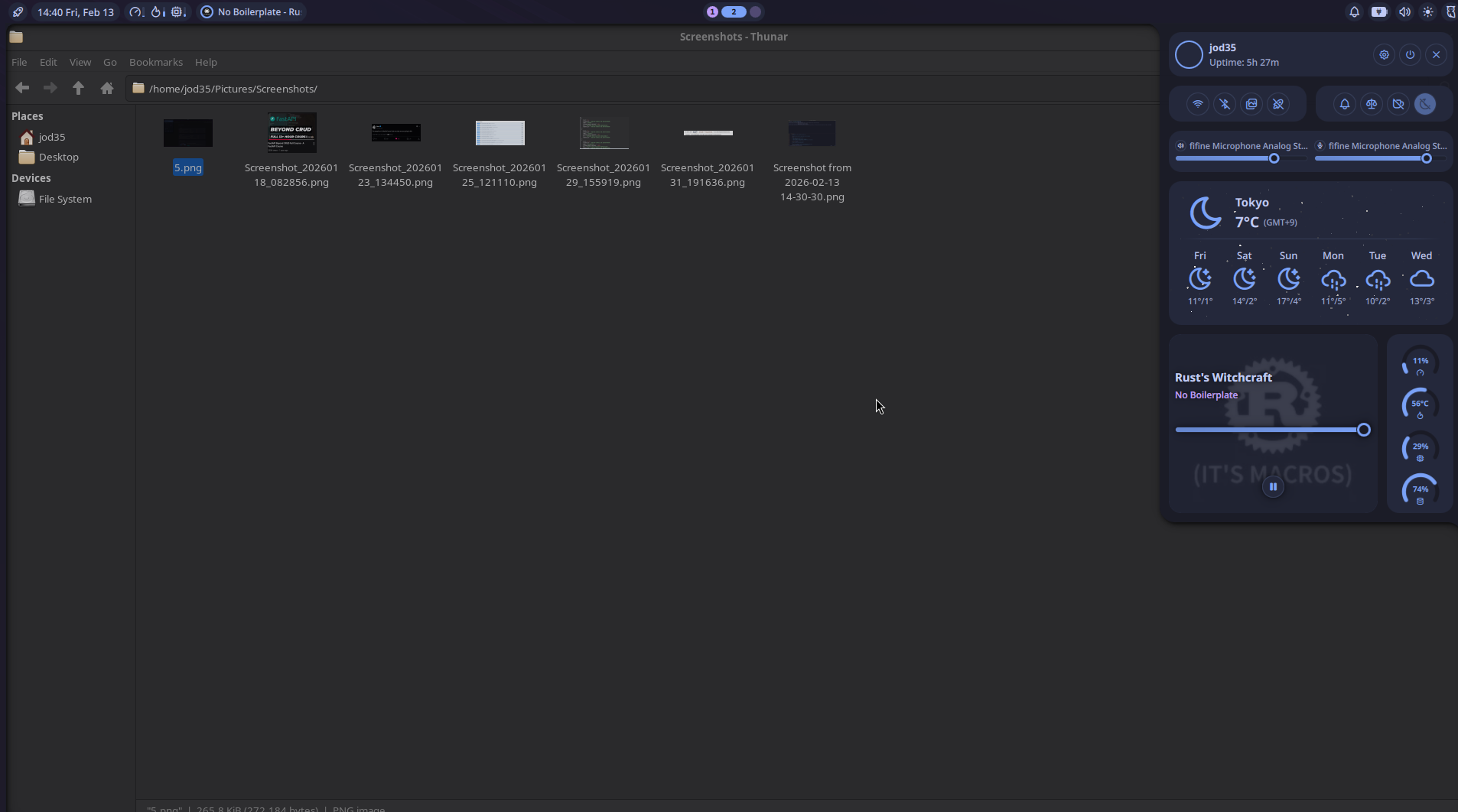
In conclusion, my experience with Niri has been fantastic. It offers a seamless and contemporary approach to window tiling. While I have enjoyed using i3WM, I believe it’s time for a more modern solution, and I plan to make Niri my daily driver moving forward. I’ve successfully migrated my configuration for keybindings, themes, and my entire setup to Niri, and I’m thoroughly pleased with it. You can check out my dotfiles here.